Everything, included.
16 features, one plan, nothing locked behind a paywall. Both halves of your money: what you spend on your own, and what you split with everyone else.
Your money, one ledger.
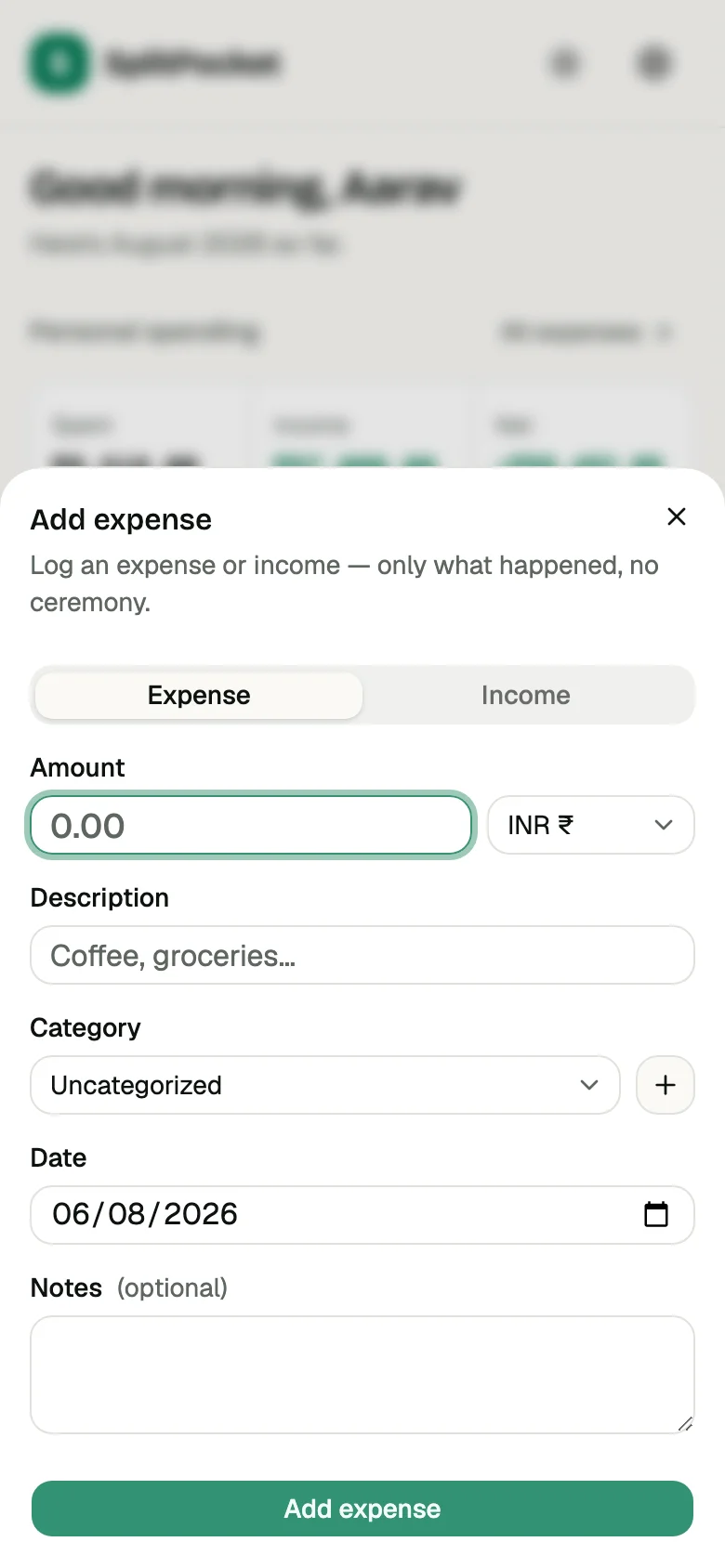
Expenses and income in one place, sorted into categories that match how you actually spend. This is the half the splitting apps leave to a spreadsheet.
- 14 categories built in. Add your own in one tap.
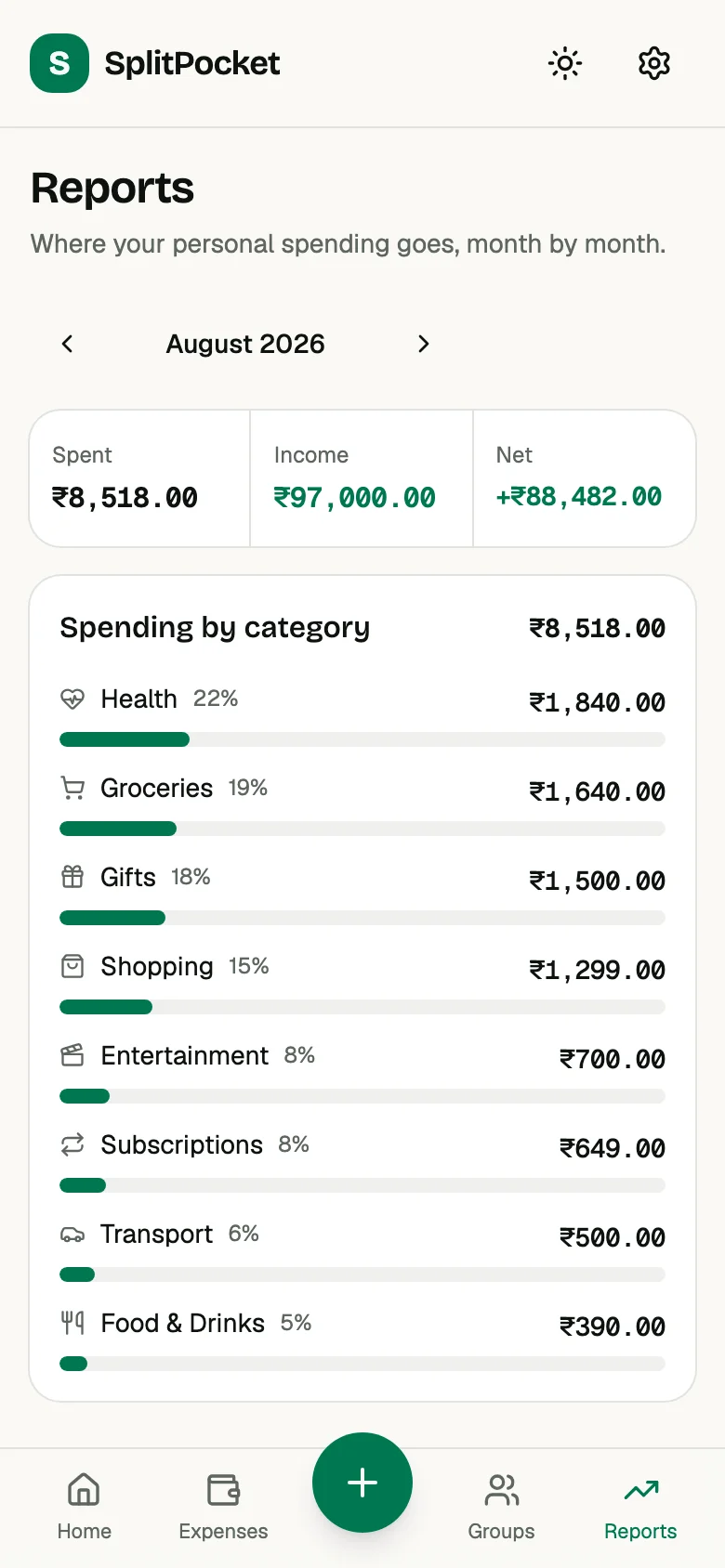
- Income counts too, so the month nets out properly.
- Every month gets a report, broken down by category.
Your own ledger
The half of your money nobody else is involved in.
Expenses and income
Log what you spend and what comes in, in the same app as the money you share. The month nets out properly instead of only counting what left.
Categories that fit
Fourteen categories out of the box. Need a fifteenth? Make it in one tap and it's there from then on.
Monthly reports
One month at a time, broken down by category. You see the shape of your spending instead of a wall of rows.
Budgets
Set a monthly figure and watch it fill. You find out you're close before you're over, not after.
Groups and splitting
The half you share, down to the last paisa.
Three split methods
Equally when everyone had the same, by exact amounts when they didn't, by percentage when the shares are already agreed. The parts always add back up to the total.
Simplified settle-up
Five people paying each other in a circle becomes the shortest list of payments that leaves everyone at zero.
Groups for anything
One group for the Goa trip, one for the flat, one for the Thursday dinners. Each has its own members and its own currency.
Ten currencies
Ten currencies, each following the real ISO 4217 rules for decimals, symbol placement and grouping. Amounts are stored as whole minor units, so nothing drifts.
Less typing
The entries that shouldn't need you at all.
Recurring expenses
Rent, the internet bill, the cook, the subscriptions. Set each one up once with the split you already agreed, and it appears on schedule.
Receipt scanning
Point the camera at the receipt and the amount comes back filled in. Fix anything that's off, then save.
Expense templates
Turn what you buy over and over into a template. One tap logs the usual coffee, at the usual price, in the usual category.
Reminders
A nudge the day before rent is due, and when a group balance has been sitting unsettled. Useful, not naggy.
Your data, your device
What happens when the signal drops, and when you leave.
Offline-first sync
It reads from your device and queues what you add. A flight, a basement or a dead signal is an ordinary Tuesday, not an error message.
CSV export
Every expense, income entry and settlement, as CSV, whenever you want it. Leaving is always available, which is what makes staying a choice.
Google and Apple sign-in
Sign in with Google or Apple and skip inventing another password. Email and password works too, if you'd rather not involve either.
Light and dark
Both themes ship with the app, and it follows your system setting until you tell it otherwise.
Next
See splitting in detail
The three split methods worked through, what settle-up does to eight tangled debts, and the three steps from dinner to done.
Comparing against another app?
Splitwise, Tricount and Settle Up, row by row. Four rows where everyone ties, five where they don't.
Nobody likes being the bank.
Log it, split it, and let the app do the chasing.